Last updated August 2026.
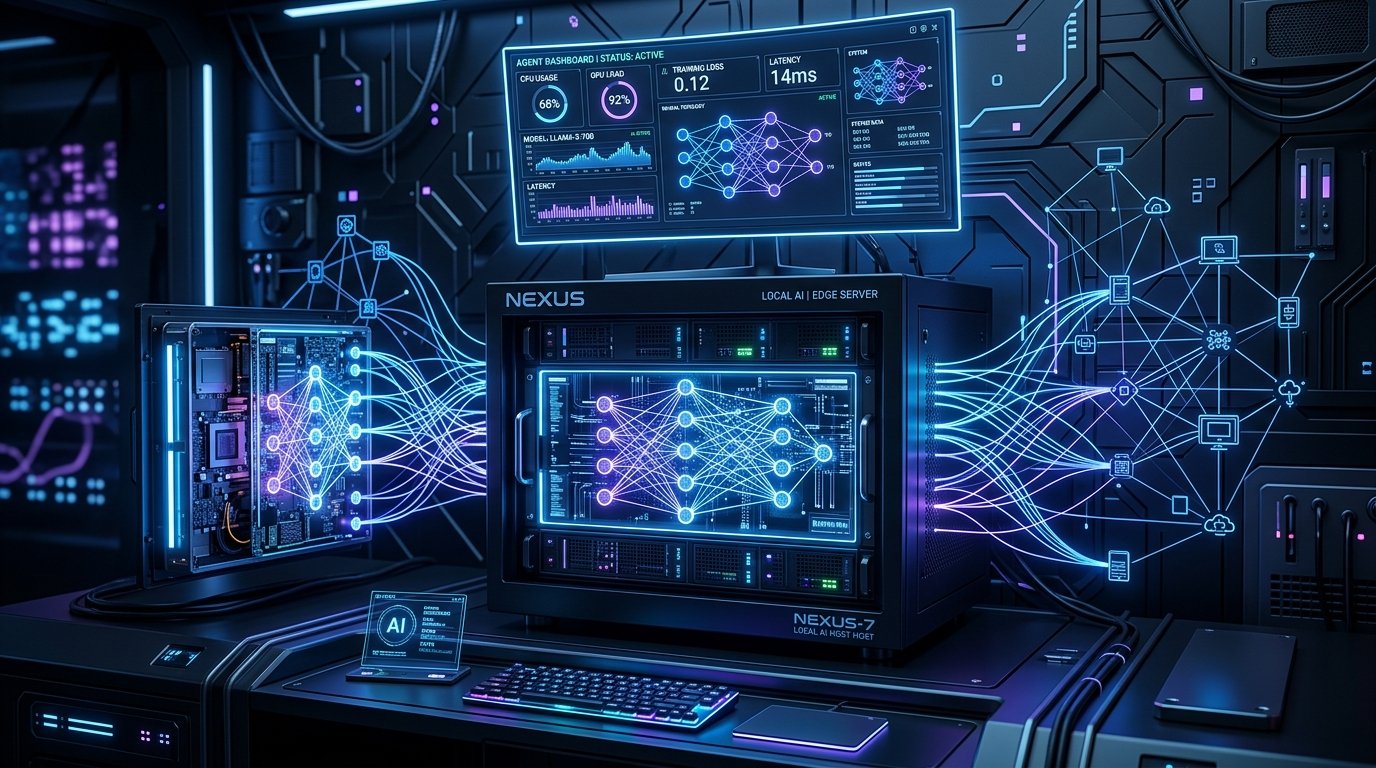
Deploying AnythingLLM alongside Ollama in Docker creates an end-to-end, local-first RAG (Retrieval-Augmented Generation) pipeline. AnythingLLM acts as the document ingestion engine, chunking PDFs, text files, and repositories into a built-in vector database (LanceDB), while Ollama handles local text embeddings and LLM inference (e.g., Llama 3 or Qwen 2.5). The entire pipeline operates offline on your own hardware without external API tokens or monthly subscription costs.
Retrieval-Augmented Generation has become the default architecture for querying internal technical docs, codebases, and private notes. However, streaming sensitive enterprise documents or personal records to commercial cloud RAG services creates significant privacy risks and recurring cost bottlenecks. Combining AnythingLLM with an Ollama container solves both problems. It provides a sleek multi-tenant web application with custom workspaces, document management, and seamless local vector storage.
Architecture of a Fully Local RAG Stack
A functional RAG pipeline relies on three main components: document processing, embedding generation, and vector retrieval. AnythingLLM handles document parsing (converting PDFs, DOCX, or markdown files into clean text chunks) and stores vector representations inside LanceDB or ChromaDB.
When a query is submitted, AnythingLLM uses Ollama’s embedding API (running models like nomic-embed-text or bge-large) to convert the user’s prompt into a high-dimensional vector. It retrieves the top matching context chunks from LanceDB and appends them into the final context window sent to the LLM (such as qwen2.5-coder or llama3.1) running inside Ollama.
Deploying via Docker Compose
Running both containers in a shared Docker bridge network allows high-speed inter-container communication without exposing the Ollama API directly to the public network interface. Using persistent volumes ensures your document indexes, workspace settings, and vector embeddings survive container restarts.
Recommended Docker Compose Configuration
In your deployment file, bind the AnythingLLM web port to 3001 while keeping Ollama on port 11434 inside the internal container network. Configure GPU resource reservations if running on Nvidia hardware to accelerate both vector embedding creation and chat generation.
Multi-Workspace & Role Management
AnythingLLM supports multi-user access with distinct workspaces. Each workspace can maintain its own document index and system prompt. For instance, you can establish an Engineering Workspace indexed with your project repositories and a separate Operations Workspace containing server runbooks and infrastructure specs without cross-contaminating retrieval contexts.
Frequently Asked Questions
Q: What embedding model works best for local RAG with Ollama?
A: nomic-embed-text is widely considered the top recommendation for local execution due to its 8192 context length, high retrieval performance, and lightweight memory footprint (under 300MB VRAM).
Q: How does LanceDB perform compared to external vector databases like Pinecone or Weaviate?
A: LanceDB is embedded directly inside AnythingLLM, requiring zero extra configuration or external database servers. It handles hundreds of thousands of vectors with sub-millisecond search latencies on local disk.
Q: Can I ingest web pages and GitHub repositories directly into AnythingLLM?
A: Yes. AnythingLLM includes built-in web scrapers and GitHub repository sync tools that fetch, chunk, and index remote URLs into your local vector store automatically.
Q: Is GPU acceleration required for document embedding generation?
A: While a GPU accelerates embedding large PDF batches, CPU execution for models like nomic-embed-text is fast enough for everyday document uploads on standard multi-core processors.
Related Posts